Last updated: 15 July 2026
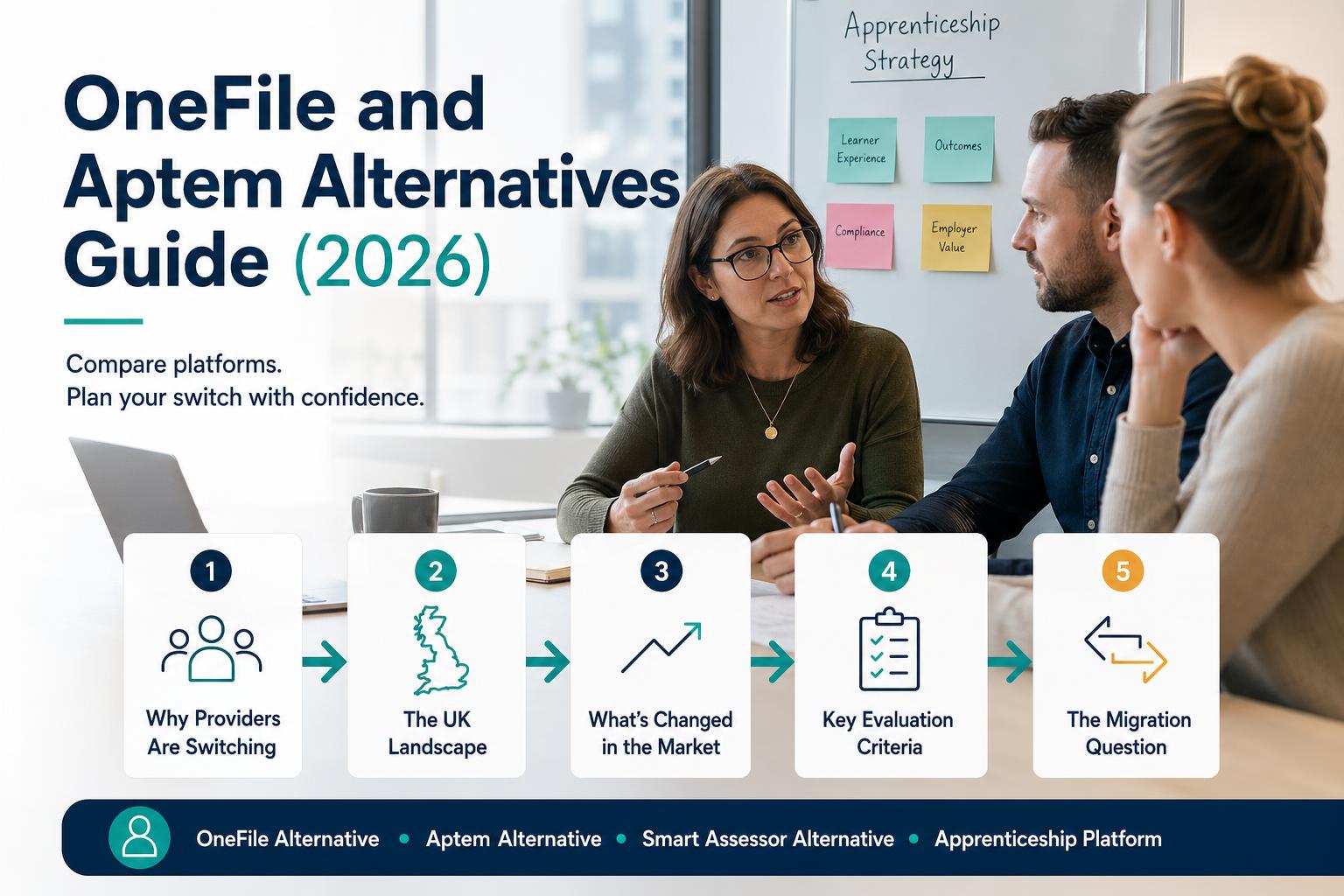
Why Providers Are Looking to Switch
Providers don't switch platforms lightly. Migration is disruptive, staff resist change, and the perceived risk of moving in-flight learner data is high. When providers do seriously evaluate alternatives, it's usually because the friction of staying has become greater than the perceived risk of switching.
The most common reasons providers start evaluating alternatives to OneFile, Aptem, or Smart Assessor:
- The platform was built for one thing — typically e-portfolio evidence collection — and now the provider needs it to do much more
- Reporting requires significant manual work — every Ofsted visit, funding audit, and progress summary requires exports, manual data manipulation, or separate spreadsheets
- No AI capability — manual KSB mapping is time-consuming and inconsistent across tutors; there's no at-risk detection or automated programme generation
- Multiple tools still required — the platform doesn't replace the LMS, so staff still switch between 2–3 systems for a single learner's journey
- Employer portal doesn't deliver — employers get a sign-off screen rather than genuine real-time visibility of their apprentices' progress
- Support and development pace has slowed — legacy codebases become harder and more expensive to update, and feature development slows as a result
- Multiple programme types — the provider delivers apprenticeships, separately commissioned Skills Bootcamps, commercial training, or other provision and wants one operational system without conflating their funding rules
The UK Apprenticeship Platform Landscape
A note on this section
OneFile, Aptem, and Smart Assessor are established products with real users and real strengths. We're covering them because providers ask about them when evaluating options. The right platform depends on your specific training types, volumes, and team. Do your own research, get references, and run a proper evaluation process — don't rely on any single source, including this one.
OneFile
OneFile is one of the UK's most widely used apprenticeship e-portfolio platforms, with a large established user base built over many years. It is familiar to a significant proportion of the apprenticeship tutor workforce.
Strengths commonly cited: familiar to many tutors; large established user base; stable platform with a long track record in the UK market.
Limitations commonly cited by providers who switched: primarily an e-portfolio tool — evidence and review management — rather than a full LMS/TMS; providers need a separate LMS for learning delivery; limited reporting depth without manual exports; UI design that reflects its age; lacks AI capabilities for evidence tagging, at-risk detection, or programme generation; development pace has been slower than newer entrants.
Aptem
Aptem is a more comprehensive platform, covering some LMS and TMS functions alongside e-portfolio capability. It has a broader functional footprint than pure e-portfolio tools.
Strengths commonly cited: broader functional coverage than standalone e-portfolio platforms; more modern interface; some built-in reporting capability.
Limitations commonly cited by providers who switched: complex to configure and maintain — the breadth of features creates navigation complexity for learners and tutors; some providers find implementation lengthy; pricing can escalate with learner volumes; AI capabilities are limited compared to newer platforms built with AI-first architecture.
Smart Assessor
Smart Assessor is an apprenticeship management platform focused on e-portfolio and review management, with employer portal capability.
Strengths commonly cited: UK-focused, employer portal included, established compliance features.
Limitations commonly cited by providers who switched: limited AI capability relative to newer entrants; reporting requires manual work; interface improvements have been slower than newer competitors; support for newer apprenticeship units and other programme types needs to be validated during procurement.
What's Changed in the Market
The fundamentals of the UK apprenticeship software market have shifted significantly since these platforms were built. Providers evaluating in 2026 are looking at a very different capability landscape than existed 5 years ago.
AI is now a genuine differentiator — not marketing
The best platforms now offer AI that meaningfully changes daily workflows. Evidence tagging can analyse submission text and suggest KSBs with confidence scores. At-risk indicators can help staff prioritise learners for review. Programme-building tools can extract KSB structures from current Skills England standards. Treat every claimed benefit as something to test with your own data, users, safeguards, and accuracy thresholds during procurement.
The Growth and Skills Levy is changing what providers need
The approved Growth and Skills Levy products are apprenticeships and, from April 2026, named apprenticeship units. Foundation apprenticeships are apprenticeship standards within that offer. Generic short qualifications and Skills Bootcamps are not automatically payable from an employer’s apprenticeship service account: Bootcamps remain a separately commissioned programme with their own eligibility and employer-contribution rules. A platform can still support all of these programme types, but it must keep their contracts, evidence and reporting rules distinct.
Key Evaluation Criteria When Switching
| Feature area | What to check |
|---|---|
| KSB Mapping | Is it AI-assisted or fully manual? What's the accuracy? How consistent is it across tutors? |
| OTJ Hours | Logged and verified in the platform, or tracked separately and imported? |
| EPA Readiness | Real-time gateway readiness score per learner, or a checklist you populate manually? |
| Ofsted Evidence | Can you generate learner journey summaries and deep dive packs in minutes from the platform? |
| Employer Portal | Real-time learner visibility (progress, OTJ, KSBs, EPA readiness) or just a sign-off mechanism? |
| Multiple Training Types | Does it handle apprenticeships AND Skills Bootcamps AND compliance training natively? |
| AI Capability | Evidence tagging, at-risk detection, programme generation — shown in a live demo, not slides? |
| Migration Support | Full migration project (data, history, structures) with a named PM, or CSV export and good luck? |
| Implementation Time | Confirmed timeline in writing, with milestones — not a verbal estimate? |
| Security | SOC 2 Type II, ISO 27001, Cyber Essentials Plus certificates — independently verifiable? |
The Migration Question: What It Actually Takes
Migration is the single biggest reason providers stay on platforms they've outgrown. The perceived cost of switching is almost always higher than the actual cost — because providers have never done a migration before and assume it's more complex than it is with a well-organised partner.
What a good migration includes
- All learner records transferred — current and historical — with data validated, not just dumped
- Evidence history migrated with timestamps preserved (critical for Ofsted and EPA credibility)
- OTJ hours records transferred with calculations verified
- Programme structures rebuilt for each standard in the new platform
- Employer connections re-established with communications managed
- Team training and change management — not just platform access and a help article
- Parallel running period if needed — both systems live simultaneously while the migration is validated
- Formal handover — signed off by both parties when the migration is complete
Red flags in a migration pitch
- "We'll give you a CSV export" — this means you're receiving a data dump and handling the import yourself. Not a migration.
- No dedicated migration project manager assigned — migrations fail when they're treated as a shared responsibility with no named owner
- No data validation step — data should be checked after migration, not assumed to have transferred correctly
- No SLA on completion timeline — a verbal estimate is not a commitment
- No reference from a provider who has migrated from your current platform — if they've done it before successfully, they should have references
The Hidden Cost of Not Switching
Staying on a platform you've outgrown has a cost too — it's just harder to see. Calculate the actual time spent on manual Ofsted preparation, manual report exports, system switching, and working around functionality gaps. For many providers, these hidden costs significantly exceed the cost of a well-managed migration to a better platform.
Questions to Ask Any Platform During Evaluation
About the product
- Show me the KSB mapping workflow — specifically how AI assists and what the tutor sees when confidence is low
- How does your platform handle multiple standards simultaneously? Show me a provider managing 10+ standards
- What Ofsted-specific reports can I generate without manual data manipulation?
- Can you support Skills Bootcamps and compliance training as well as apprenticeships? Show me the workflow
- Show me the employer portal from an employer's perspective — not the admin configuration view
About the migration
- Who owns the migration project — your team or mine? Name the person.
- What does the migration checklist look like? Can I see a copy?
- Have you migrated from [our current platform] before? Can I speak to that provider?
- What happens to in-progress learner journeys during the migration?
- What's the parallel running period — and what does handover look like?
What Modern Apprenticeship Software Looks Like in 2026
For context when comparing: here's what a fully modern apprenticeship platform architecture looks like today.
- Four purpose-built portals — learner, tutor, employer, admin — each designed for its user from the ground up, not adapted from a single interface
- AI with human control — evidence suggestions with measurable accuracy; explainable at-risk indicators; programme generation from current Skills England standards; drafts that staff review before use
- Single data model — one learner record, shared across all portals in real time, no synchronisation delays or duplicate data
- Multi-training-type support — apprenticeships, Skills Bootcamps, compliance, onboarding, professional development — managed from one platform with training-type-specific compliance rules
- Government reporting native — ILR exports, apprenticeship-service data and required audit evidence generated from live records, with outputs tested against the current collection rules
- Live in weeks, not months — with a real migration project and implementation plan, not a generic onboarding flow
Quick Reference: Platform Evaluation Checklist
- Handles full cycle: enrolment, delivery, evidence, OTJ, reviews, EPA gateway
- AI-assisted KSB mapping demonstrated live in product demo (not slides)
- Real OTJ hours tracking and verification in the platform
- Ofsted-ready reports generated without manual data preparation
- Employer portal included in standard pricing — not an add-on
- Supports Skills Bootcamps and other training types natively
- Full migration project provided — not CSV export only
- Named migration project manager confirmed before signing
- Implementation timeline confirmed in writing with milestones
- Security credentials verified: SOC 2 Type II, ISO 27001, or Cyber Essentials Plus
- Reference from a provider who migrated from your current platform
Frequently asked questions
What is a good alternative to OneFile for apprenticeship management?
Modern alternatives to OneFile combine e-portfolio, LMS, and TMS functionality into a single platform. Key features to look for: AI-assisted KSB mapping, automated OTJ tracking, EPA readiness scoring, Ofsted-ready reporting, and a full employer portal. TIQPlus by Training Intelligence (TIQ) Ltd is built specifically for UK apprenticeship delivery and replaces OneFile with a unified AI-powered system that includes content delivery, evidence management, compliance reporting, and employer engagement in one platform.
What should I look for in an Aptem alternative?
When evaluating Aptem alternatives, assess: genuine AI capability (evidence tagging accuracy, at-risk detection), support for multiple training types beyond apprenticeships, Ofsted reporting depth, employer portal quality, and migration support quality. Ask for a migration plan in writing before signing — a good platform provides a full migration project including learner data, evidence history, and programme structures, not just a CSV export.
How difficult is it to migrate from OneFile to a new platform?
A well-managed migration from OneFile takes 2–4 weeks and should include: all learner records, evidence history with preserved timestamps, OTJ records, programme structures, and employer connections. The key question is whether the new platform provides a dedicated migration project manager or just hands you a CSV export. TIQPlus handles full OneFile migrations with a dedicated project manager, data validation steps, and a parallel running period.
Is TIQPlus a OneFile replacement?
Yes. TIQPlus replaces OneFile by providing all e-portfolio functionality (evidence collection, KSB mapping, tutor feedback, digital signatures) plus LMS content delivery, OTJ tracking, EPA readiness scoring, and Ofsted-ready reporting in a single platform. Migration from OneFile includes all learner data and evidence history, managed by TIQPlus's migration team.
What is the best apprenticeship e-portfolio software in the UK in 2026?
The best apprenticeship e-portfolio software in 2026 goes beyond simple evidence collection. Look for platforms that offer AI-assisted KSB mapping (reducing manual tagging time and improving consistency), real-time EPA readiness tracking, Ofsted-ready reporting, and an employer portal with genuine learner visibility. The most capable platforms combine e-portfolio with LMS and TMS functionality so tutors don't need to switch between systems.
Sources & further reading
- DWP apprenticeship funding rules, 2026 to 2027 — DWP apprenticeship funding rules, 2026 to 2027
- Further education and skills inspection toolkit — Further education and skills inspection toolkit
- Skills England apprenticeship search — Skills England apprenticeship search
- Growth and Skills Levy products — Growth and Skills Levy products