Last updated: 15 July 2026
What Is Apprenticeship Management Software?
Apprenticeship management software can support a provider's delivery from enrolment and programme setup through learning, evidence, funding controls, employer engagement and assessment readiness. The provider remains responsible for the decisions, source evidence and government-service submissions made through or from the system.
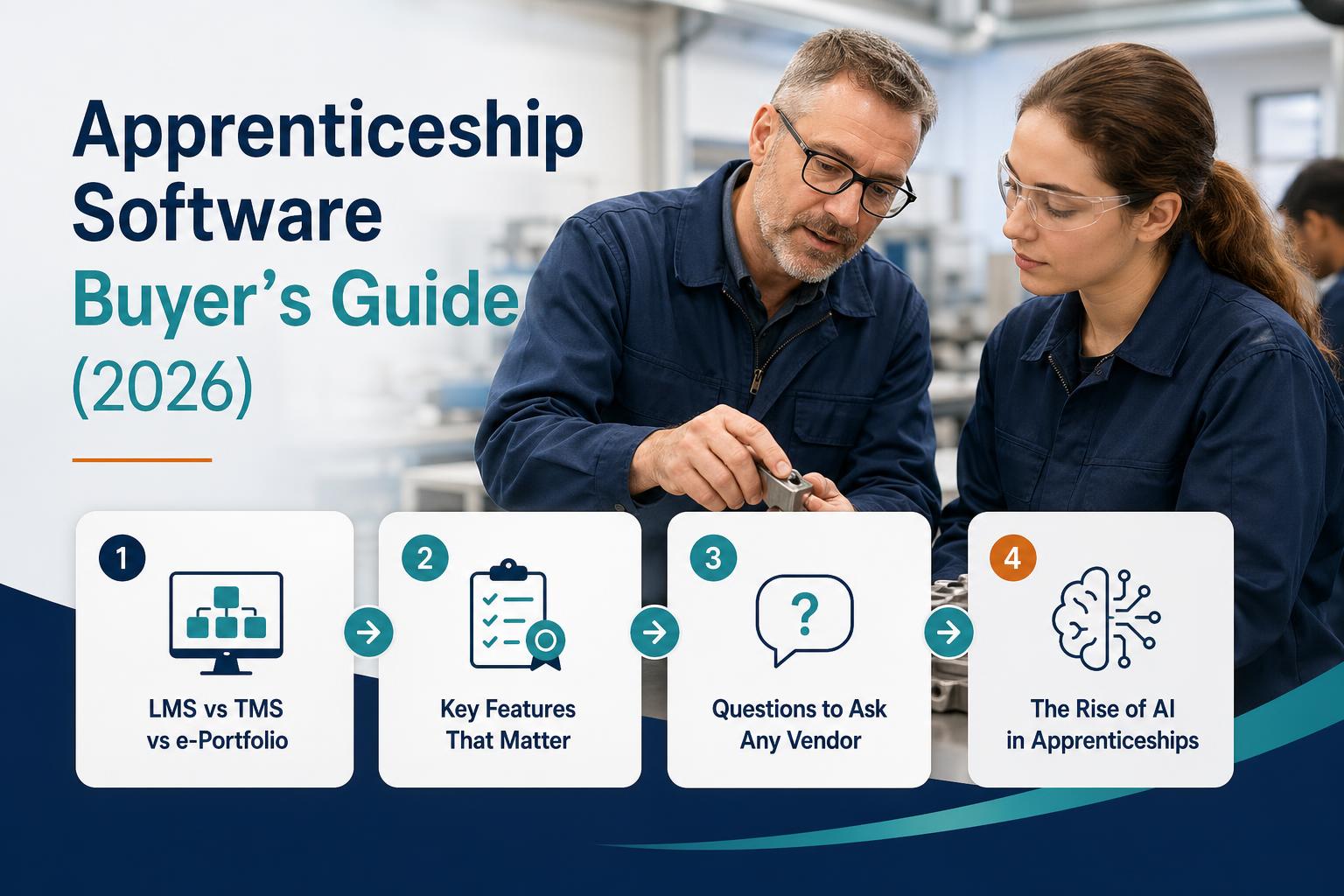
In practice, "apprenticeship management software" means different things to different people because the market has historically been fragmented across three separate categories:
- LMS (Learning Management System): content delivery, module completion, learning paths, quizzes and assessments
- TMS (Training Management System): operational management — scheduling, off-the-job training records, review workflows, funding data and reporting
- e-Portfolio: evidence collection, KSB mapping, tutor feedback, digital signatures and assessment documentation
Historically, providers ran all three as separate products — often from different vendors with no native integration. Staff switched between systems, data lived in silos, and every report required manual assembly. Modern platforms are converging all three into unified systems. If you're evaluating in 2026, look for a platform that handles all three — not just one.
LMS vs TMS vs e-Portfolio: What's the Difference?
| System | Primary function | What it handles |
|---|---|---|
| LMS | Content delivery | Lesson modules, SCORM content, quizzes, learning paths, completion tracking |
| TMS | Operational management | Enrolment, off-the-job training, progress reviews, funding data, controls and employer engagement |
| e-Portfolio | Evidence and assessment | Evidence submission, KSB mapping, tutor feedback, digital signatures and assessment documentation |
Managing three tools creates compounding friction: data doesn't sync in real time, staff switch between interfaces constantly, Ofsted reports require manual assembly from multiple sources, and there's no single learner record. When a tutor needs to understand where a learner stands, they open three platforms.
The business case for a unified platform isn't just efficiency. It's data integrity: one record per learner, updated in real time, accessible to every authorised user.
What Features Does Good Apprenticeship Software Need?
Use this as a baseline requirements list when evaluating any platform. If a vendor can't demonstrate all of these in a product demo, ask why — and whether the gaps are on the roadmap with delivery dates.
- KSB mapping with coverage tracking per standard
- OTJ hours logging, verification, and threshold tracking
- Progress reviews with SMART target tracking across the programme
- Assessment-plan-specific readiness checks, including the applicable gateway requirements
- Learner-journey, curriculum and quality-assurance reports that support inspection preparation
- Employer portal with real-time learner visibility (not just a sign-off screen)
- Learner portal for evidence submission (text, file uploads, voice journal)
- AI evidence tagging to KSBs — with tutor review and approval workflow
- Programme builder with version-controlled Skills England standard import
- Digital signatures for reviews, observations, and declarations
- Current ILR data capture, validation and exports, plus evidence of reconciliation to government services
- Features that support UK GDPR controls, with documented hosting and sub-processor locations
- SOC 2 Type II, ISO 27001, or Cyber Essentials Plus certification
- SSO and SCIM provisioning for enterprise identity management
- SCORM content import for existing learning materials
Questions to Ask Any Vendor Before You Sign
About the product
- Does it handle the full cycle from enrolment to EPA, or only part of it? Show me the end-to-end workflow.
- What does migration from our current system look like? Who owns the project?
- Is KSB mapping AI-assisted or fully manual? Show me the evidence tagging interface.
- How does it generate Ofsted evidence? Can you show me the learner file output?
- Is employer access included in standard pricing, or is it an add-on?
- What's the implementation timeline and who leads it?
- Is UK data residency available?
- What security certifications do you hold? Can you share the audit reports?
- How are new Skills England standards, versions and assessment-plan revisions handled?
- What does your SLA for critical support issues look like?
About the Growth and Skills Levy
- Does the platform support each training product you actually deliver, including its separate funding and reporting rules?
- How does the platform distinguish apprenticeship, foundation apprenticeship and apprenticeship-unit records under the 2026/27 rules?
- Is foundation apprenticeship delivery on the roadmap?
The Rise of AI in Apprenticeship Software
AI is changing what providers can genuinely expect from their platform — not as a marketing claim, but as a practical change to daily tutor workflows.
Evidence tagging
AI reads evidence text submitted by learners and suggests the KSBs it maps to — with a confidence score — before the tutor reviews it. This shifts the tutor's role from manual data entry to quality assurance, which is where their expertise belongs. Instead of reading a submission and manually selecting KSBs, tutors review and confirm or adjust AI suggestions in seconds.
TIQPlus AI Evidence Tagging
TIQPlus suggests possible KSB links and presents them for tutor approval. Buyers should test suggestion quality on their own standards and evidence, confirm that staff can reject or amend results, and review the audit trail before relying on time-saving claims.
At-risk learner detection
Models can flag patterns such as declining activity, missed reviews or off-the-job training falling behind plan. Treat these as prompts for staff investigation, not automated judgements about a learner, and monitor false positives and disparate impact.
Programme generation
A programme builder can extract a standard's KSB structure and assessment-plan content to reduce manual entry. A competent person should verify the source, version, mappings and gateway rules before the programme is used with learners.
Report automation
AI generates progress review summaries, learner journey narratives, and Ofsted deep dive documentation from structured platform data. Tutors review and edit rather than composing from scratch — reducing preparation time significantly before inspections and reviews.
How to Evaluate and Shortlist Providers
Step 1: Define your requirements before engaging vendors
Before any demo, document your requirements: which training types you deliver, learner volumes by standard, current tools and their pain points, compliance issues you need to solve, and your implementation timeline constraints. A vendor who knows your context will give you a far more useful demo than one who shows you generic features.
Step 2: Request a focused, not generic, demo
Ask to see the specific workflow for your primary training type. If you deliver Level 3 apprenticeships with 200 learners across 8 standards, ask the vendor to demonstrate: KSB evidence submission from a learner, AI tagging, tutor review, coverage dashboard, progress review workflow, and Ofsted report generation. Don't let them show you slides — watch the actual platform.
Step 3: Get a reference from a comparable provider
Ask for a reference customer of similar size, training type, and complexity who migrated from a similar starting point. "We have a customer similar to you" is not good enough — ask to speak to them directly. Ask the reference contact specifically about implementation experience and migration quality, not just day-to-day usage.
Step 4: Get a written migration plan before signing
Verbal commitments about migration quality are worth nothing. Ask for a written migration plan that specifies: what data will be migrated (learner records, evidence history, OTJ hours, programme structures), who owns the migration project, the milestone timeline, what validation steps are included, and what the parallel running period looks like.
Step 5: Verify security credentials independently
Don't accept a checkbox on a website. Ask for the actual certification documents: SOC 2 Type II report (not just the certificate), ISO 27001 certificate with scope confirmed, Cyber Essentials Plus certificate. If a vendor can't produce these, treat it as a red flag — especially if you're handling personal data for hundreds or thousands of learners.
Beware Generic LMS Platforms with Apprenticeship "Modules"
Some LMS products add apprenticeship features to a broader learning platform, while others provide deeper delivery workflows. Ask to see KSB mapping, off-the-job training, progress reviews and assessment readiness using a realistic learner record; do not infer capability from a feature-list tick alone.
Migration: What It Actually Takes
Migration is the biggest reason providers stay on platforms they've outgrown. The perceived cost of switching is usually higher than the actual cost — because providers assume migration is harder than it is with a good partner.
A complete migration includes:
- All learner records (current and historical)
- Evidence history migrated with timestamps preserved
- OTJ hours records transferred and verified
- Programme structures rebuilt for each standard
- Employer connections re-established
- Team onboarding and change management
- Parallel running period (both systems live simultaneously) if needed
Red flags in a migration pitch:
- "We'll give you a CSV export" — you're on your own with the import
- No dedicated migration project manager assigned
- No data validation step built into the process
- No SLA on migration completion timeline
- No reference from a provider who has migrated from your current platform
What Does a Modern Apprenticeship Platform Look Like in 2026?
- Four purpose-built portals — learner, tutor, employer, admin — each designed for its user, not adapted
- AI throughout — evidence tagging, at-risk detection, programme generation, report automation
- Single data model — one learner record, shared across all portals, no duplication
- Multi-standard support — handles multiple Skills England standards and versions with separate KSB structures
- Multiple-product support — keeps each funded product's eligibility, evidence and reporting workflow distinct
- Control support — current ILR data, inspection evidence and quality-assurance workflows are traceable and testable
- Live in weeks, not months — with a real migration project, not a CSV handover
Quick Reference: Apprenticeship Software Evaluation Checklist
- Covers full cycle: enrolment → delivery → evidence → off-the-job training → reviews → assessment readiness
- AI-assisted KSB mapping (not manual only) — demonstrated in the product demo
- OTJ hours tracked and verified natively in the platform
- Learner-journey and curriculum reports can be reconciled to source records
- Employer portal included in standard pricing (not an add-on)
- Supports Skills Bootcamps and other training types (not apprenticeships only)
- Data-protection evidence covers roles, locations, sub-processors, retention, deletion and incident response
- SOC 2 Type II, ISO 27001, or Cyber Essentials Plus — independently verified
- Skills England standard ingestion is version-controlled and human-verified
- Full migration support — not just CSV export
- Implementation timeline confirmed in writing before signing
- Reference from provider of similar size and training type provided
Frequently asked questions
What is apprenticeship management software?
Apprenticeship management software helps training providers manage the delivery cycle — from enrolment and programme planning through evidence, off-the-job training, progress reviews and assessment readiness. Some platforms combine LMS, TMS and e-portfolio functions; buyers should confirm exactly which workflows and government-service exports are included.
What's the difference between an LMS and apprenticeship management software?
A standard LMS focuses on content delivery and learning paths. Apprenticeship management software may add KSB mapping, off-the-job training records, assessment-readiness workflows, employer access, review records and quality-assurance audit trails. It should support the provider's current ILR and apprenticeship-service processes, but software does not make a provider compliant by itself.
How long does it take to migrate from OneFile, Aptem, or Smart Assessor?
Migration time depends on learner volume, source-data quality, attachments, integrations and the scope of validation. Ask each vendor for a written migration plan, field mapping, reconciliation checks, exception handling and acceptance criteria before agreeing a date.
Does apprenticeship software need government approval?
There is no general government certification that makes an apprenticeship platform compliant. The provider remains accountable for accurate ILR returns, apprenticeship-service records, funding evidence and data protection. Test the exact exports, validations and audit trails your organisation needs; do not assume a generic "ESFA compliant" or "levy ready" badge proves them.
What security certifications should apprenticeship software have?
Match assurance to your risks and procurement policy. Ask about encryption, access controls, backups, incident response, sub-processors, retention, deletion and independent testing. ISO 27001, Cyber Essentials Plus or a SOC 2 report can provide useful evidence, but none alone proves UK GDPR compliance, and UK-only data residency is not a universal legal requirement.
Sources & further reading
- Apprenticeship funding rules 2026 to 2027 — Apprenticeship funding rules 2026 to 2027
- Apprenticeship standards — Apprenticeship standards
- Further education and skills inspection toolkit — Further education and skills inspection toolkit