Last updated: 7 March 2026
The AI productivity gap: what the data shows
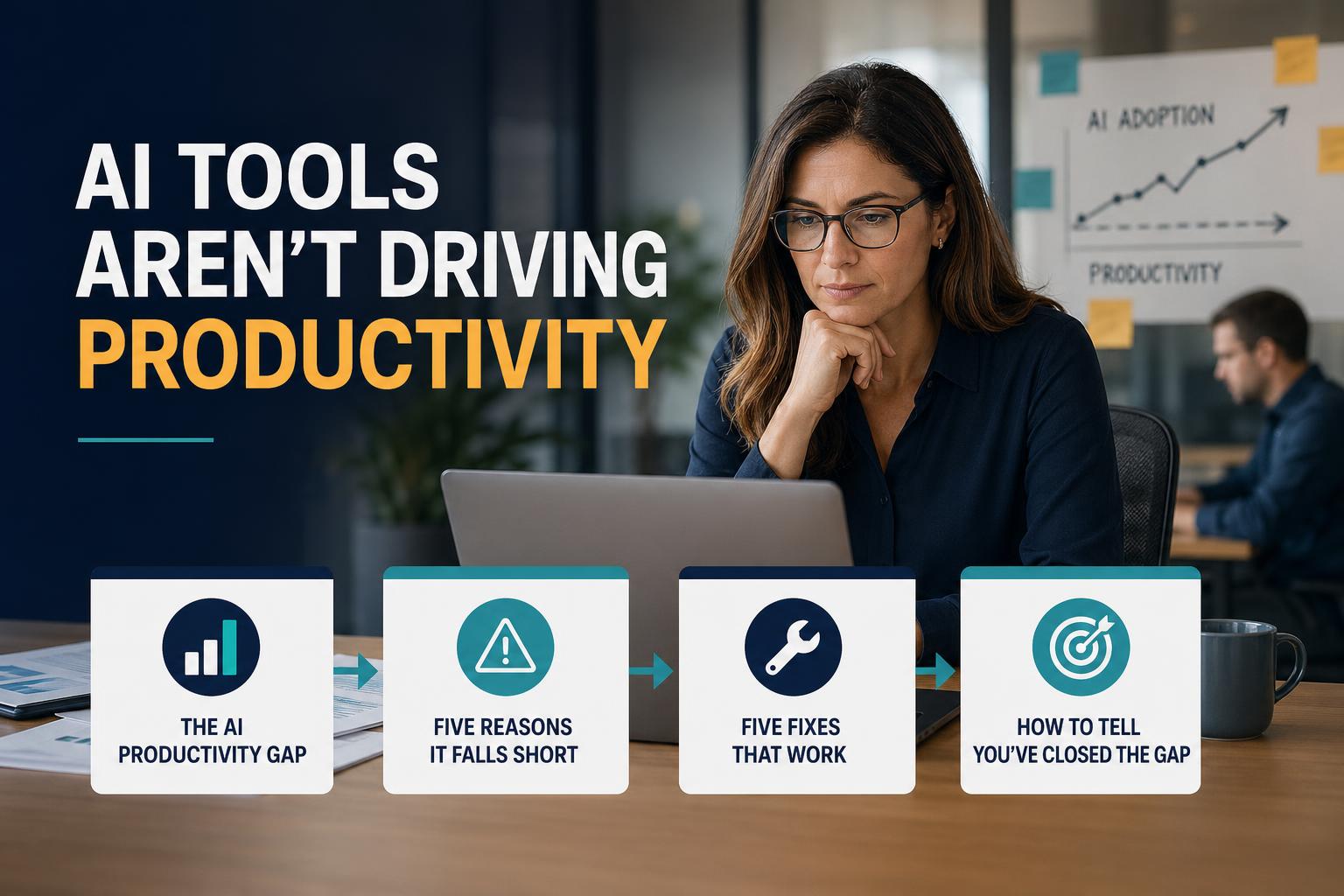
The pattern across US mid-market companies is consistent: AI tool deployment goes up, measured productivity doesn't follow. Companies invest in Microsoft Copilot, ChatGPT Enterprise, or similar tools, run a launch event, see initial excitement — then watch usage plateau and look for the productivity improvement that never quite materializes.
This is the AI productivity paradox. It mirrors the "productivity paradox" documented after the PC revolution in the 1980s and 90s, when widespread computing adoption initially produced no measurable economic productivity gain. The gains came later — when workflows were redesigned around the technology, not just when the technology was made available.
The same pattern is playing out now. Managers have access to AI tools. They are experimenting. They are not systematically redesigning their workflows. The productivity gains are sitting unrealized inside the gap between "tool available" and "workflow changed."
Five reasons AI tools fail to produce productivity gains
1. No standard workflows — every manager prompts differently
When each manager develops their own approach to using AI tools, you get inconsistent outputs, inconsistent quality, and no shared improvement. One manager has an excellent status-report prompt that saves 40 minutes. The manager in the next office is still writing reports from scratch. No organizational productivity gain is possible when improvement is random and individual.
The fix is standardization — not of the tool, but of the workflow. Role-specific prompt templates that every manager in a cohort uses for the same tasks produce consistent time savings and consistent output quality. Individual experimentation is not an organizational productivity strategy.
2. AI is used for low-value tasks rather than high-value substitution
When managers are left to discover AI use cases on their own, they gravitate toward the easiest tasks — often tasks that were already fast (writing a quick email, summarizing a meeting that took 20 minutes). The high-value substitution targets are the tasks that take the most time: status report compilation, performance review prep, cross-functional coordination, and data-to-narrative translation. These are also the tasks where AI assistance feels least natural and requires the most structured workflow design to work reliably.
Without a guided workflow design phase, most managers never reach the high-value use cases. They experiment at the edges and conclude AI "helps a bit" — which is true, but it's nowhere near the 15–25% admin time reduction that structured deployment produces.
3. The productivity gain is invisible without baseline measurement
If you don't measure admin time before deploying AI workflows, you can't measure the improvement after. Without a baseline, even genuine productivity gains are invisible. L&D and operations leaders who launched AI tools without a measurement framework frequently find themselves unable to justify continued investment — not because the tool didn't work, but because they have no data to show it did.
The absence of measurement is itself a cause of the productivity paradox. Organizations that measure baseline and track improvement post-deployment consistently find higher gains than those that don't — partly because the measurement act creates accountability, and partly because it generates the feedback loop needed to improve the workflows.
4. Adoption is treated as a training event rather than a behavior change program
A one-hour AI kickoff session produces a spike in tool usage and then a return to baseline within two to three weeks. This is not a failure of the training content — it's a failure of the change model. Behavior change requires repeated application in real-work contexts, feedback loops, and accountability structures. A training event provides none of these after the session ends.
The managers who sustain AI workflow adoption past week three are those who have a coaching check-in, a peer accountability mechanism, or a visible KPI that tracks their usage. The managers who revert are those who received information about AI and then returned to their unmodified workday with no structural reason to use the new workflows.
5. The tool requires a new login — friction kills adoption
Any AI tool that requires managers to open a new application, navigate to a new interface, or log into a separate platform introduces friction that compounds over the first two to four weeks. Managers who are already time-pressed will not consistently switch contexts to use an AI tool that isn't integrated into their existing workflow. The tools with the highest sustained adoption rates are those embedded in Microsoft 365, Google Workspace, Slack, or email — where managers already spend most of their working hours.
Five fixes that actually work
Fix 1: Design role-specific workflow prompts before you deploy
Before any manager uses AI for a target workflow, design a standardized prompt template for that specific task in that specific role. Test it with two or three managers. Refine it. Then deploy the final version as the standard for the cohort. This workflow design phase takes one week and produces dramatically better adoption and output quality than open-ended experimentation.
A prompt library organized by role — operations manager, HR manager, project manager, finance manager — where each role has three to five standardized prompts for their highest-time-sink tasks, is the foundational asset of any AI productivity deployment.
Fix 2: Target the three highest-time-sink workflows first
Identify the tasks where managers spend the most time each week that don't require their judgment — status reports, meeting prep, follow-up tracking, data-to-narrative translation. Deploy AI workflows for these three tasks first. Do not try to cover 10 use cases in a single sprint. Depth in a small number of high-value workflows produces better productivity gains than breadth across many low-value ones.
Fix 3: Measure a baseline before deployment
Run a 20-minute structured time audit with your pilot manager cohort before deploying any AI workflows. Record how long each target task takes, how many hours per week managers spend on admin overall, and what tools they currently use. This baseline is your proof point at week four and your accountability mechanism throughout the sprint.
Fix 4: Replace the training event with a coaching cadence
Structure your AI deployment as a four-week sprint with weekly check-ins, office hours, and an adoption rate KPI tracked and shared with the cohort. The check-in doesn't need to be long — 15 minutes on a weekly team call is sufficient. What matters is that managers know their usage is visible, that there's a forum to troubleshoot problems quickly, and that someone is paying attention to whether the workflows are being used.
Fix 5: Deploy in the tools managers already use
Wherever possible, deliver AI workflow prompts inside Microsoft Teams, Slack, or email rather than a net-new platform. If your organization has Microsoft 365 Copilot, build your workflow prompts as Copilot instructions. If not, design prompts that work in ChatGPT or Claude and deliver them via a shared document in Teams or Google Drive. The goal is zero additional login friction for the manager.
How to tell if you've closed the gap
Three metrics tell you whether your AI deployment is producing real productivity gains rather than activity:
- Adoption rate at week four: What percentage of the target manager cohort is using the AI workflows at least three times per week? Below 60% indicates a friction or accountability problem. Above 70% is the threshold where aggregate productivity data becomes meaningful.
- Admin time delta: Compare the week-one time audit to the week-four repeat audit. A 15–25% reduction in manager admin hours is the target for a structured four-week sprint. Anything below 10% suggests the wrong workflows were targeted or prompts need redesign.
- Output quality consistency: Spot-check five to ten AI-assisted outputs per week against a quality rubric. If output quality is inconsistent across the cohort, the prompt standardization phase was insufficient. If output quality is consistently high and faster to produce, the workflow is working.
A TIQPlus pilot generates all three metrics automatically and delivers the before-and-after comparison in an executive-ready format at the end of week four. This is the data that turns an AI experiment into a budget-backed productivity program.
Sources and further reading
- McKinsey Global Institute, The Economic Potential of Generative AI — enterprise AI productivity analysis
- MIT Sloan Management Review, Why AI Implementations Fail — behavioral adoption research
- Harvard Business Review, The Right Way to Use Generative AI as a Manager — workflow integration studies